Join Beta Test
EN
// Beta

Test NoENT! before launch.

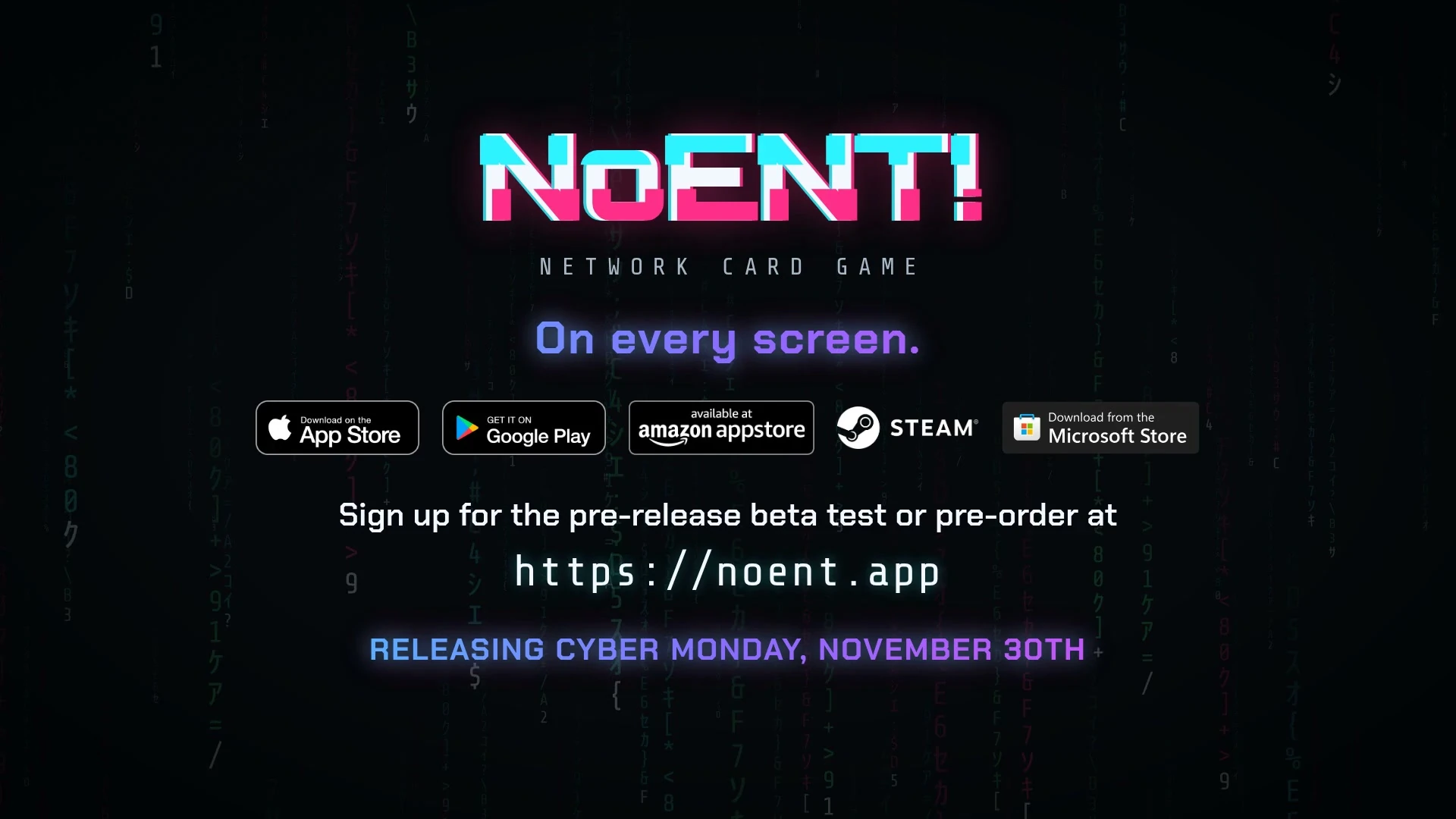
NoENT! launches on November 30. Play it now for free: pick your platform and follow the steps.

1

Pick your platform

Testing on more than one? Do them one at a time.

2

Get the game

Do these in order.

iPhone, iPad, Mac and Apple TV

Open now
  1. 1
    Install TestFlight first

    TestFlight is Apple's free beta app. Install it from the App Store first, then come back here for the beta link.

    Get TestFlight
  2. 2
    Join the NoENT! beta

    Use the button or the link below on your iPhone, iPad or Mac, then accept in TestFlight and install. On Apple TV, open TestFlight there with the same Apple Account and install NoENT!.

    Open the beta in TestFlight

Android phones and tablets

Open now

Use the same Google account for all three steps: the one on your Android device. Each step opens in a new tab, so come back here for the next one.

  1. 1
    Join the Google Group

    Google only lets group members into the test. Open the group and tap Join group.

    Join the group
  2. 2
    Become a tester

    Open the test page and tap Become a tester. If it says the test is not available, go back to step 1 and check the account.

    Become a tester
  3. 3
    Install from Google Play

    Install NoENT! from its Google Play page. It updates like any other app.

    If Google Play says not found, wait a few minutes and try again.

    Install NoENT!

Fire TV and Fire tablets

Invite only

Amazon only lets in testers we invite, so this is the one store where your email comes first.

  1. 1
    Ask for your invite

    Use the email of the Amazon account on your Fire device.

    We use your email only for the beta and delete it when the beta ends, or sooner if you ask. See the privacy policy. This form is protected by reCAPTCHA, and the Google Privacy Policy and Terms of Service apply.

  2. 2
    Wait for the invite

    We send invites ourselves, so it can take a little while. It arrives as an email and a notification on your Fire device. If the email opens Amazon Shopping on your phone, ignore it: the invite is already on your account.

  3. 3
    Install on your Fire device

    On Fire TV: install the free Appstore Beta Hub app from the Amazon Appstore, open it, choose Beta Apps Not Installed, pick NoENT! and select Get.

    On a Fire tablet: tap the invite notification, or open the invite email on the tablet, and tap Get App.

    Not showing yet? On your Fire device, open Settings, then Account & Profile Settings, and choose Sync Amazon Content.

Windows PC on the Microsoft Store

Open now
  1. 1
    Install NoENT!

    Open the link on your PC and select Get. NoENT! does not show in Store search yet, so this link is the way in.

Windows PC on Steam

Not open yet
  1. 1
    Get told when it opens

    The Steam beta is not open yet. Leave your email and we write to you as soon as it is, with how to get in.

    We use your email only for the beta and delete it when the beta ends, or sooner if you ask. See the privacy policy. This form is protected by reCAPTCHA, and the Google Privacy Policy and Terms of Service apply.

3

Get the badge Optional

Your details, for beta news and the TESTER badge.

Finish step 2 first.

You are updating your sign-up. Change anything you like, then save. Your email stays the same.

We use your email only for the beta: to invite you, to ask about your feedback, and for the badge, plus the newsletter if you tick the box. We keep it until the beta ends, then delete it, or sooner if you ask. See the privacy policy. This form is protected by reCAPTCHA, and the Google Privacy Policy and Terms of Service apply.

Feedback goes to r/NoENT

The NoENT! subreddit is where testers report what they find and where we answer. A good report says:

  • the device and platform you played on,
  • what happened, and what you did just before it,
  • a screenshot or a clip, if you have one.

Rather not use Reddit? Send it through the contact form, topic "Feedback or bug report".

Open r/NoENT

Earn the TESTER badge

Testers whose feedback helps shape NoENT! earn a TESTER plate on their RSI. It shows at every online table, and only testers can wear it.

  • A bug we fix, an idea we use, or a report that saves us hours all count.
  • To claim it, play online once, then open your update link and add your online name and friend code. Add a friend in the game shows your code.
  • Lost your update link? Ask us through the contact form with the email you signed up with, and we send you a new one.
  • The badge is ours to give, one tester at a time, and stays after launch.

Watch the beta video

Get the NoENT! newsletter

News, new features and events, now and then. No spam, and you can unsubscribe any time.

We email you a link to confirm first. Protected by reCAPTCHA: the Google Privacy Policy and Terms of Service apply. See our privacy policy.